MacOS

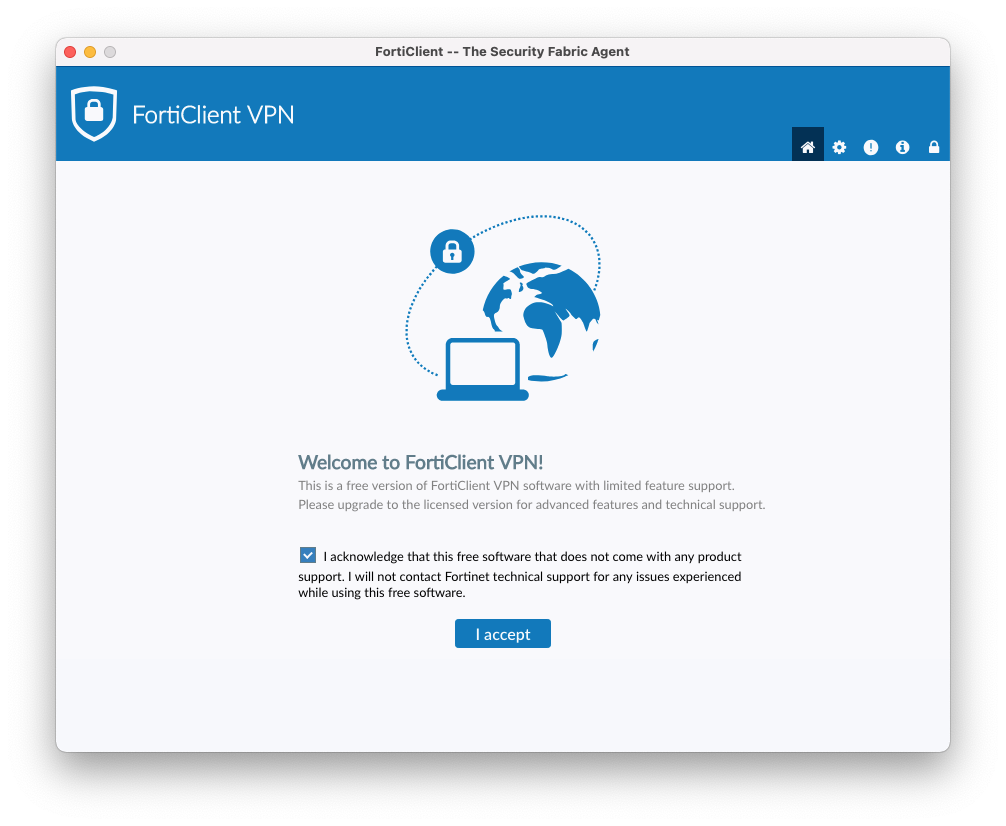
1. For connection via VPN please use application FortiClient, you can download it HERE.
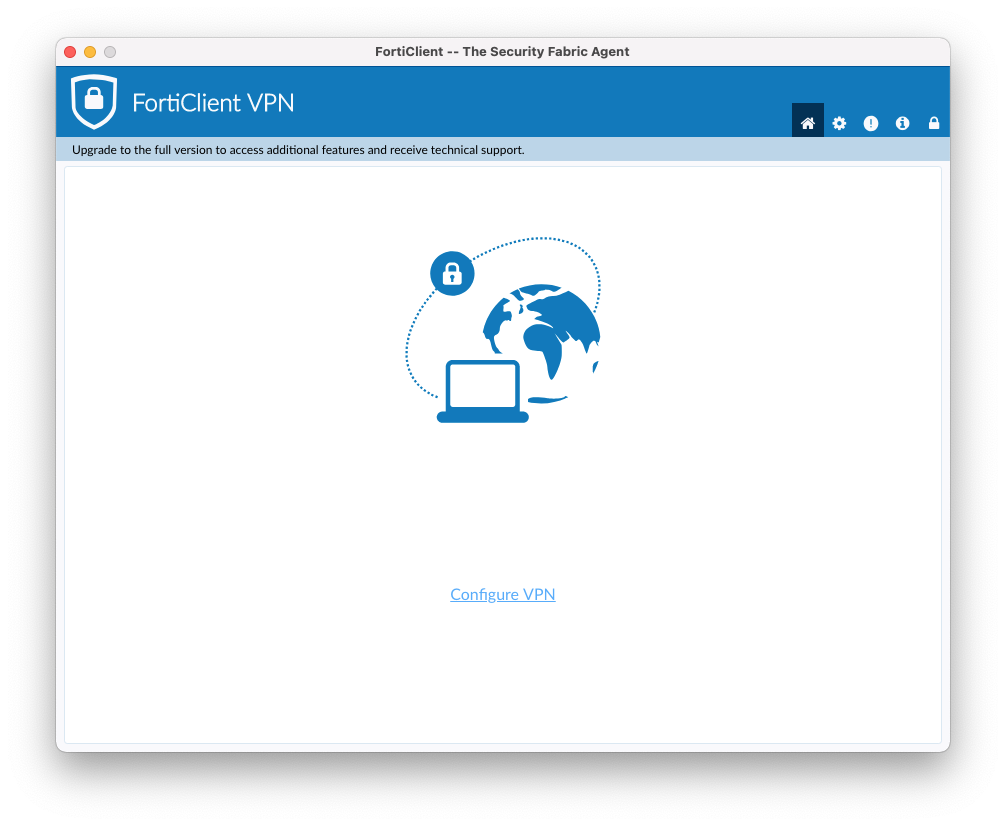
2. Click on the Configure VPN button.
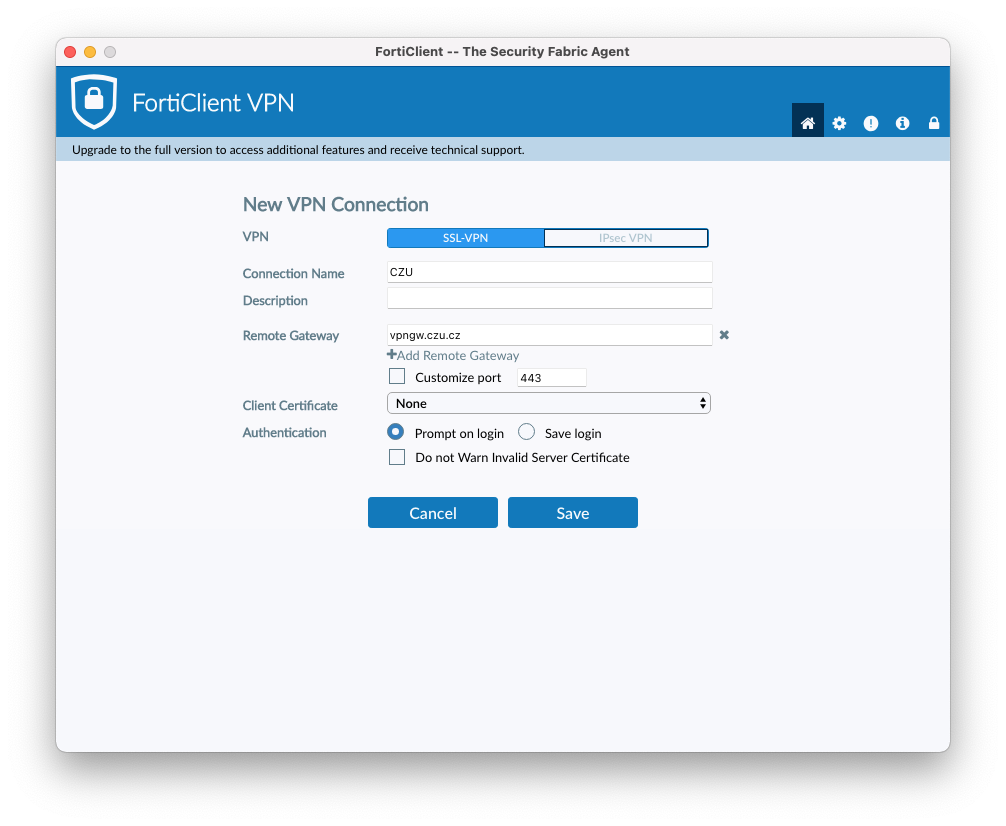
3. Fill boxes as you can see on the picture bellow and click Save:

  • Connection name: CZU

  • Remote Gateway: vpngw.czu.cz

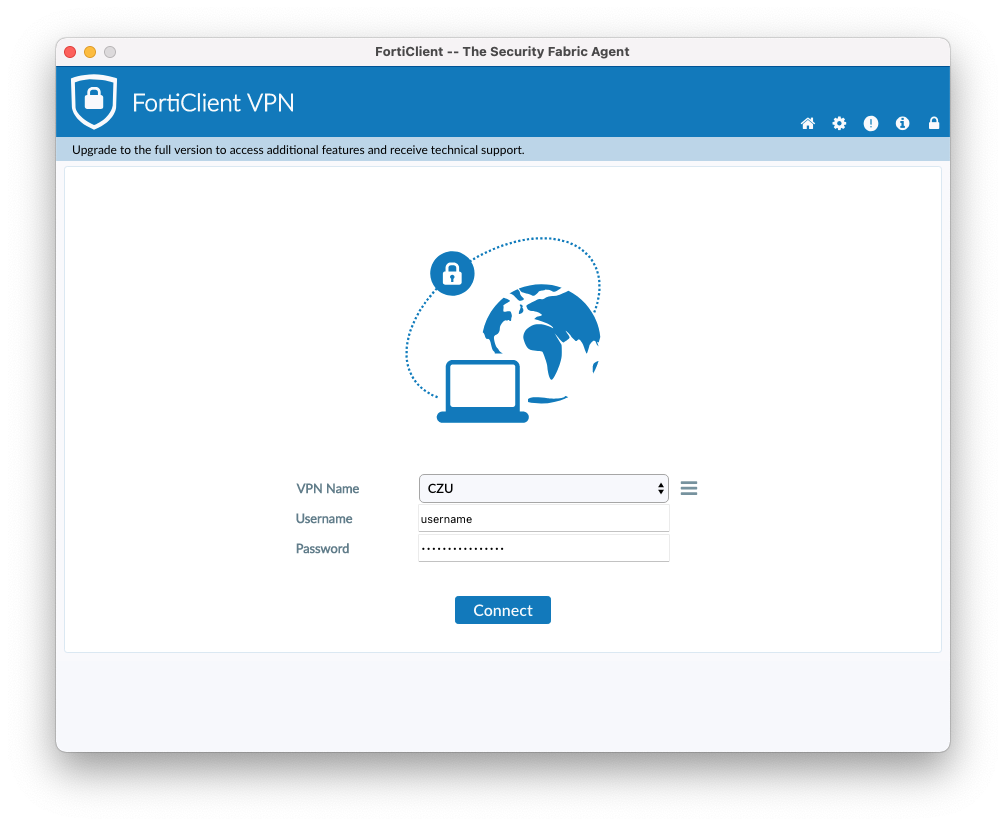
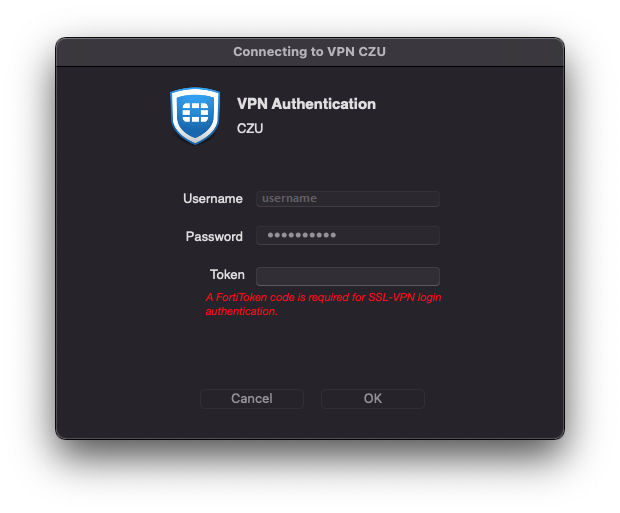
4. Choose VPN Name: CZU, fill in credentials and click to Connect:
5. SMS token will be sent to your cell phone number. Fill the token number to Token field:
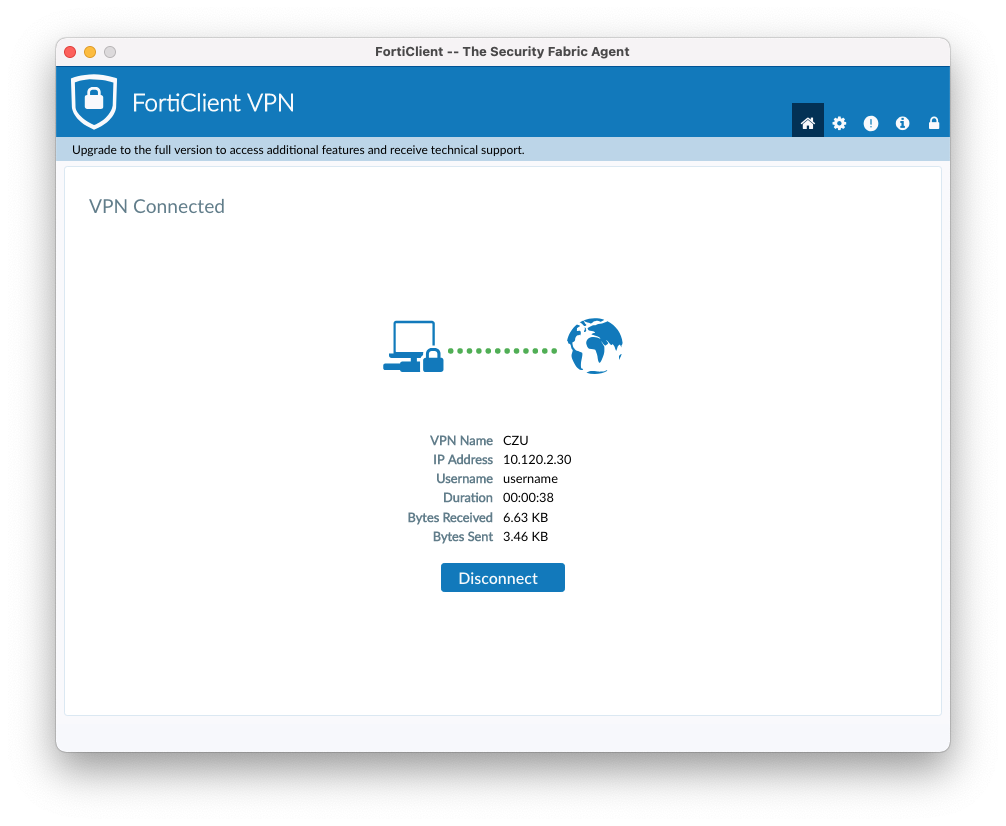
6. You are succesfully connected to ČZU VPN:
 

Access to remote desktop (RDP CLient):

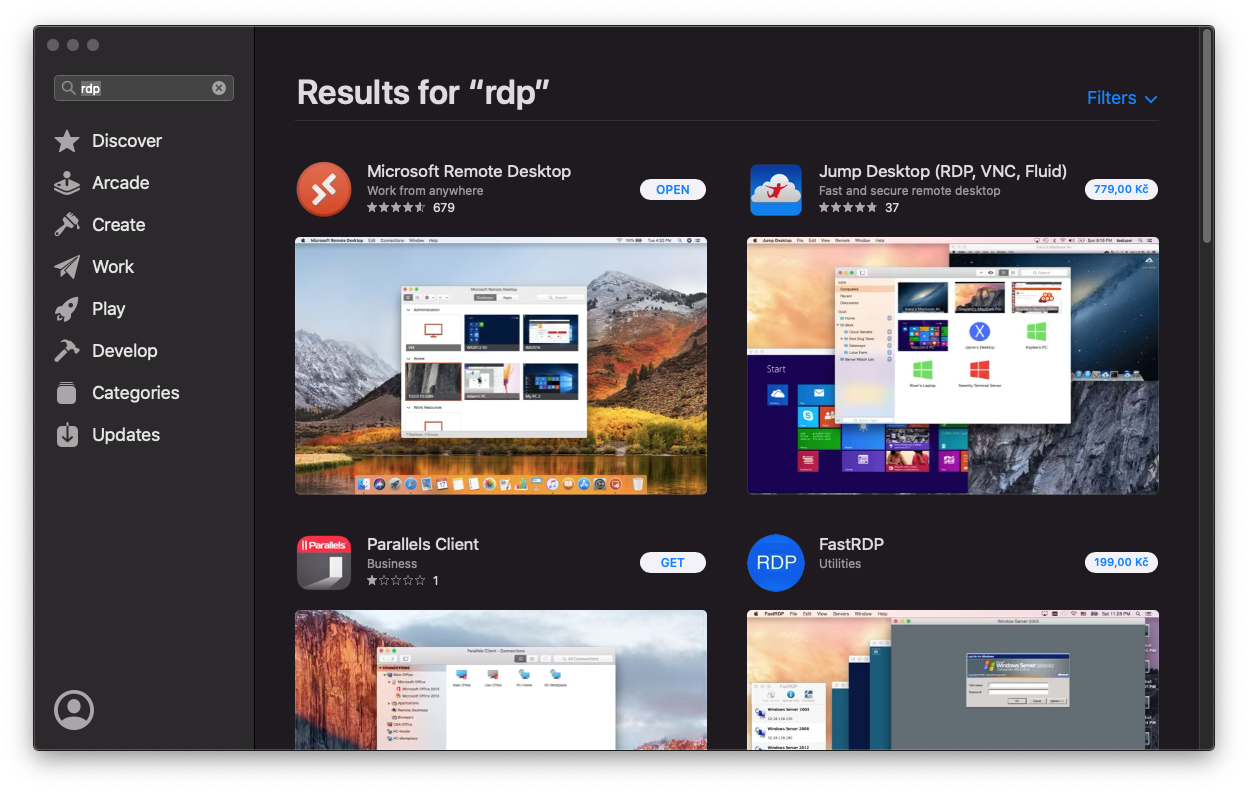
1. From the App Store download the application Microsoft Remote Desktop
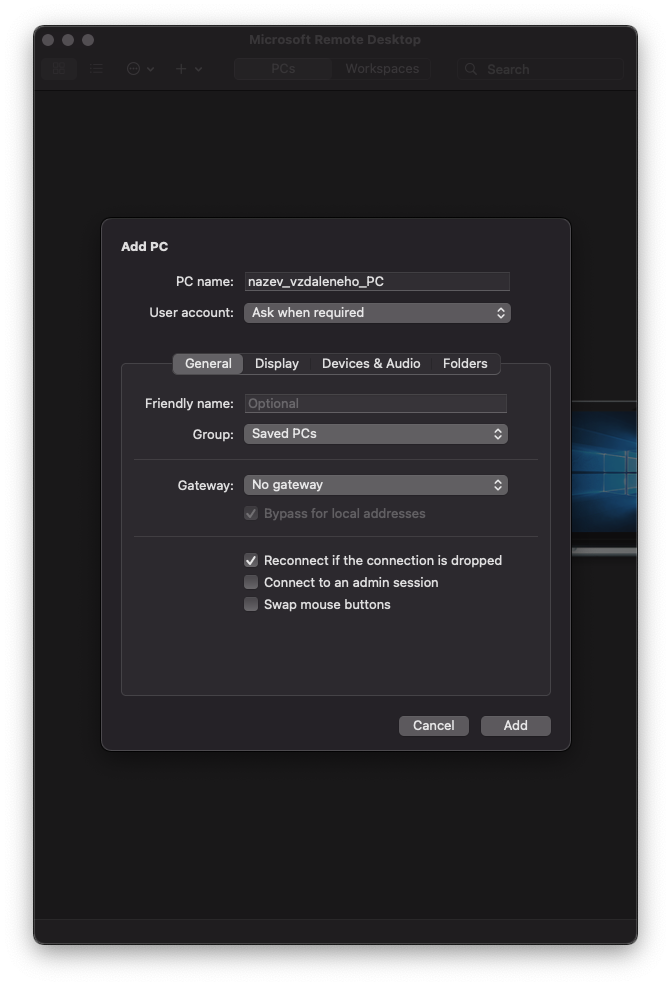
2. Run the application and click on "Add PC"
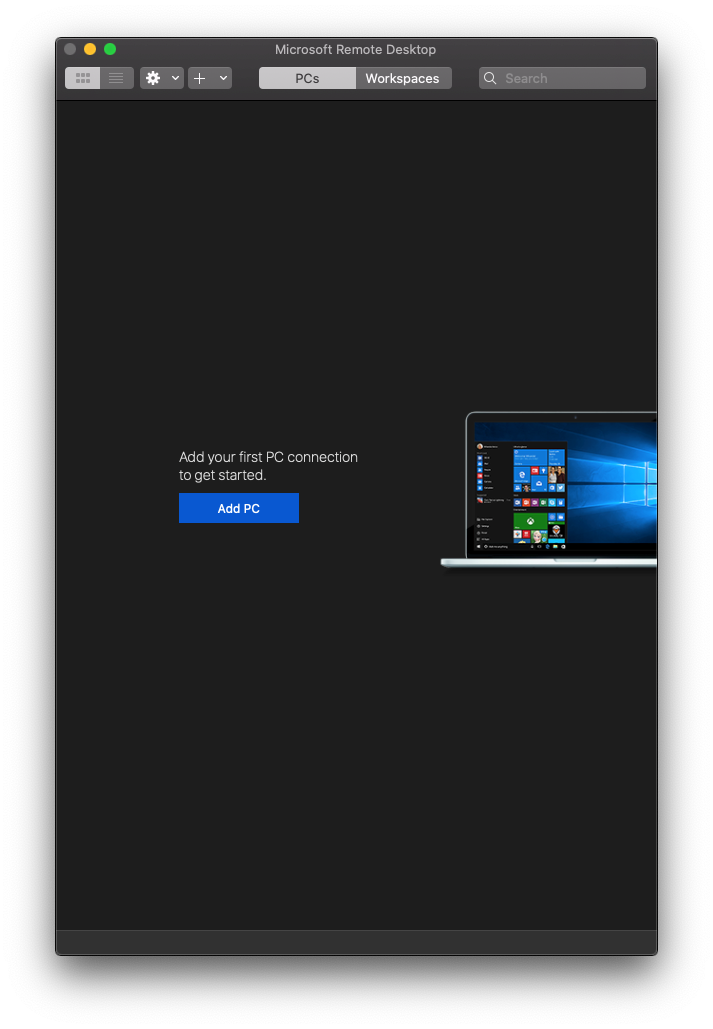
 3. Fill in a computer address (IP or DNS)
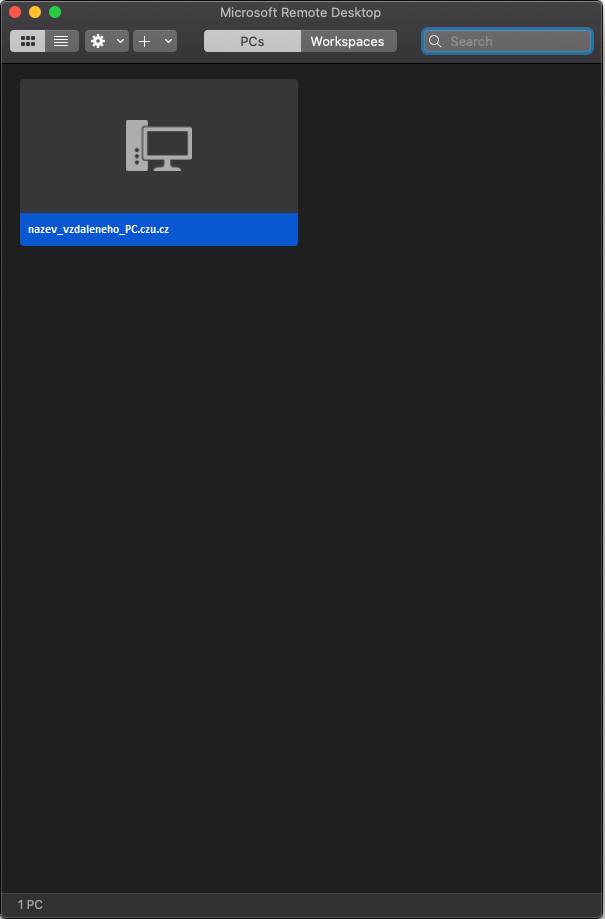
4. Connect to created PC
Další články v rubrice

English ☰ Menu
Cookie settings

We use cookies and similar technologies on the websites of the Czech University of Life Sciences Prague (under the domain czu.cz) to ensure the proper functioning of the website. With your consent, we also use them to measure traffic (Google Analytics 4), analyze website performance, and for marketing purposes (Meta, Sklik, Google Ads), including displaying embedded videos (YouTube). Information about how you use our websites may be shared with our partners in the fields of analytics, social media, and online advertising. Essential cookies are always active. You can change or revoke your cookie preferences and consent at any time in "Cookie Settings."