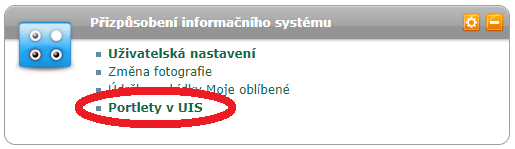

- To view your personal schedule, select "Student Portal" from the main menu in the "My Studies" module (after logging into the UIS Personal Administration).
- In the Student Portal, the first link in the Support for Selected Program section is Personal Schedule.
- After opening the link, your personal schedule will be displayed. At the bottom, you will find additional information about the schedule, such as its validity and display settings.
The University Information System of the Czech University of Life Sciences Prague provides information available to the academic community, university staff and the general public.